2025-2026
·
scale ai
Qatar Museum
AI-Powered Cultural Discovery Platform
A mobile-first platform for exploring Qatar's public art, museums, and cultural sites. AI-personalised tours, voice interaction, step-by-step guided experiences, and an AI image studio. Designed for people on the move.
ROLE: Senior Product Designer
PLATFORM: Mobile web · Desktop · CMS
The Project
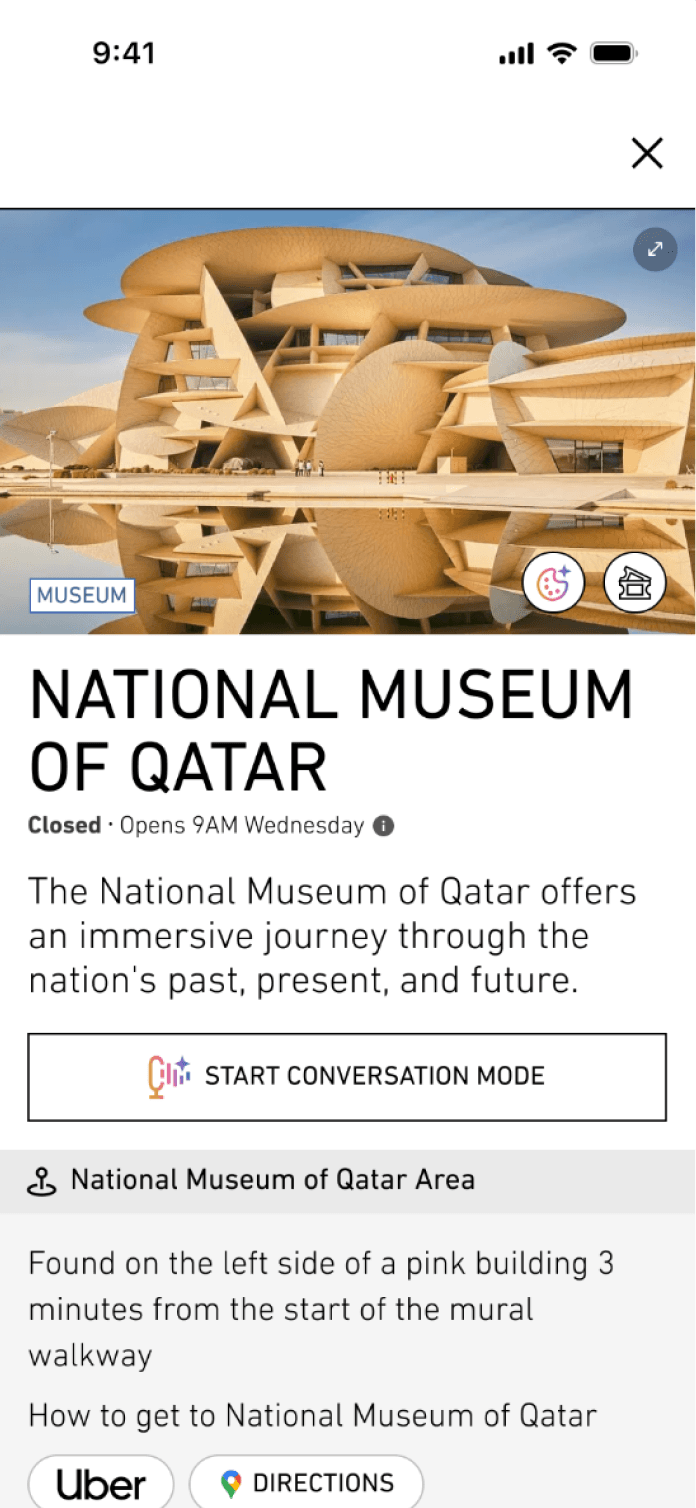
Qatar Museums needed a platform that would help tourists and locals discover the country's public art installations, museums, and cultural sites, and actually use it while they were out there, on the street, in the heat, on the move.
When I joined, the product existed in its simplest form: an AI chat that asked a few questions and generated a tour, followed by a page listing sites and exhibits. The foundation was there; almost everything else needed to be built.
Over the course of the project, I conducted a UX audit, redesigned the core experience, and led the design of every major feature that followed, the map, the step-by-step tour mode, the AI art specialist, the Art Lab, the tour passport, and more. The product grew from a simple chat into one of the most feature-rich AI tourism platforms I've worked on.

What I Owned
UX audit of the existing product: identifying what worked, what didn't, and what was missing entirely
Concept and design of the interactive map landing page (became central to the product)
End-to-end design of the tour page, exhibit pages, museum pages, step-by-step tour mode, Art Lab, Tour Passport, quiz system, bookmarks, rewards, search and filter
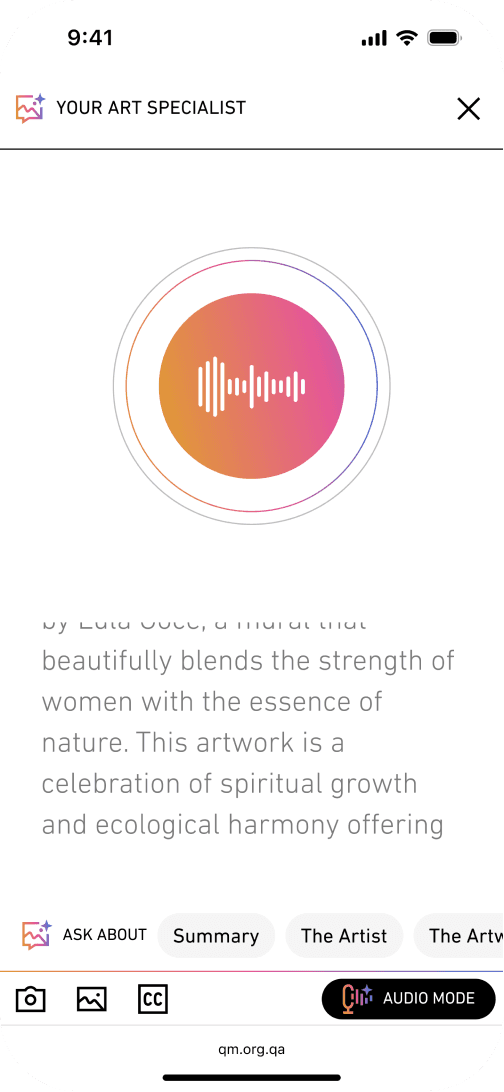
Audio mode and AI Art Specialist interaction design
Four-language adaptation (English, Arabic, French, Chinese)
Desktop experience: adapting the mobile-first design for larger screens
CMS design: enabling the client to manage all platform content independently plus a fully custom CMS that lets non-technical editors manage multilingual content across multiple live museum sites.
All visual design was aligned to Qatar Museums' official brand, adapted from their existing website.
The Challenge
The hardest design problem on this project wasn't the AI. It wasn't the multilingual content. It wasn't even the complexity of the feature set.
It was this: the people using this product are outside. They're walking between installations in the Qatar sun, or sitting in a car between sites, or standing in front of a mural trying to figure out what they're looking at. They are not at a desk. They are not going to scroll through a long list and make careful decisions.
Every design decision on this project ran through that filter. Can someone do this with one hand? Can they understand this at a glance? Can they hear it instead of read it? Can they plan it in advance and then just press next, next, next when they're actually there?
That's why the map became the landing page. That's why the chat was stripped to its minimum. That's why step-by-step mode exists. That's why audio mode exists. That's why there's no login.
The product had to come to the user, not the other way around.
The Chat | Simplifying the Entry Point
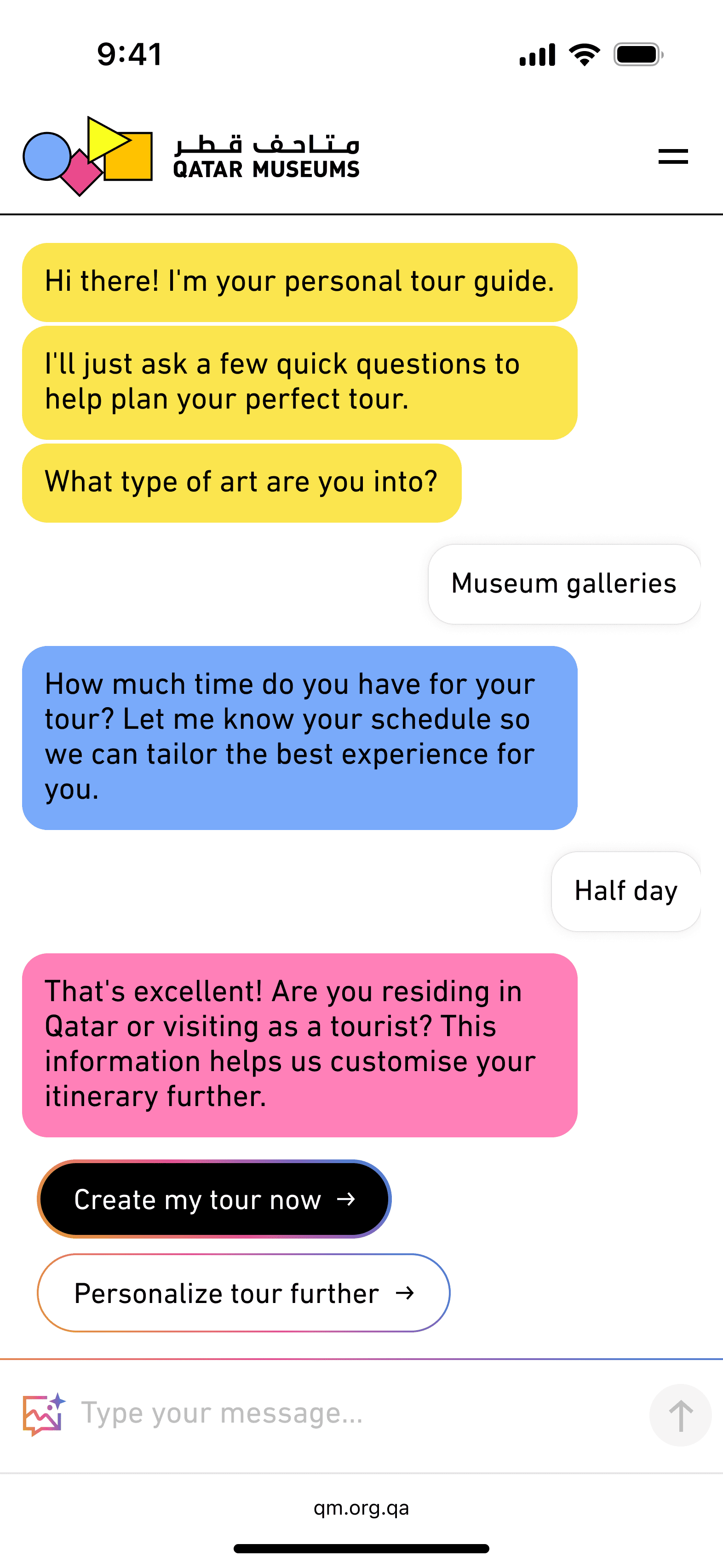
From Conversation to Tour in as Few Steps as Possible
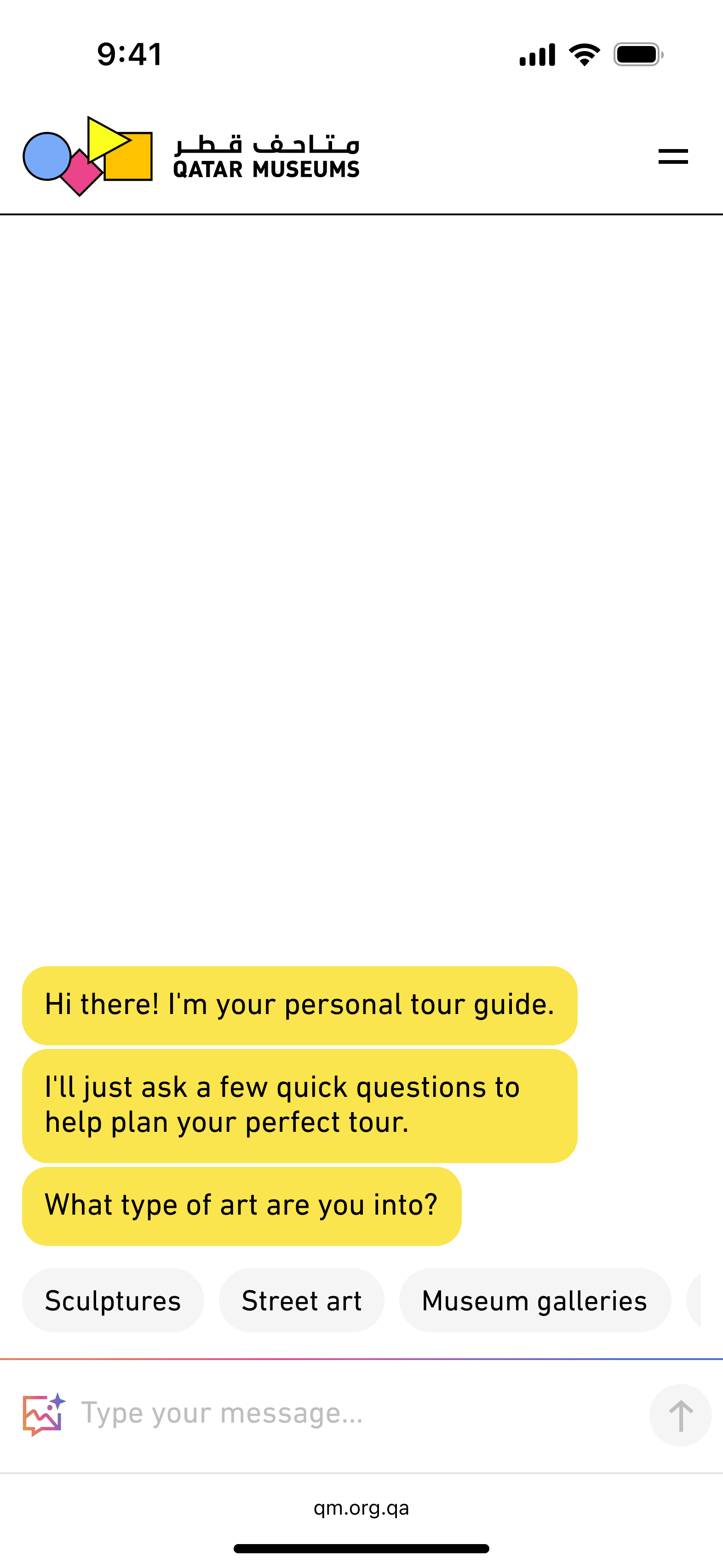
The original chat asked users for their name, how long they were visiting, and other details. All as free-text inputs. It was long. It was slow. It was friction at exactly the wrong moment: the first thing someone encountered when they opened the app.
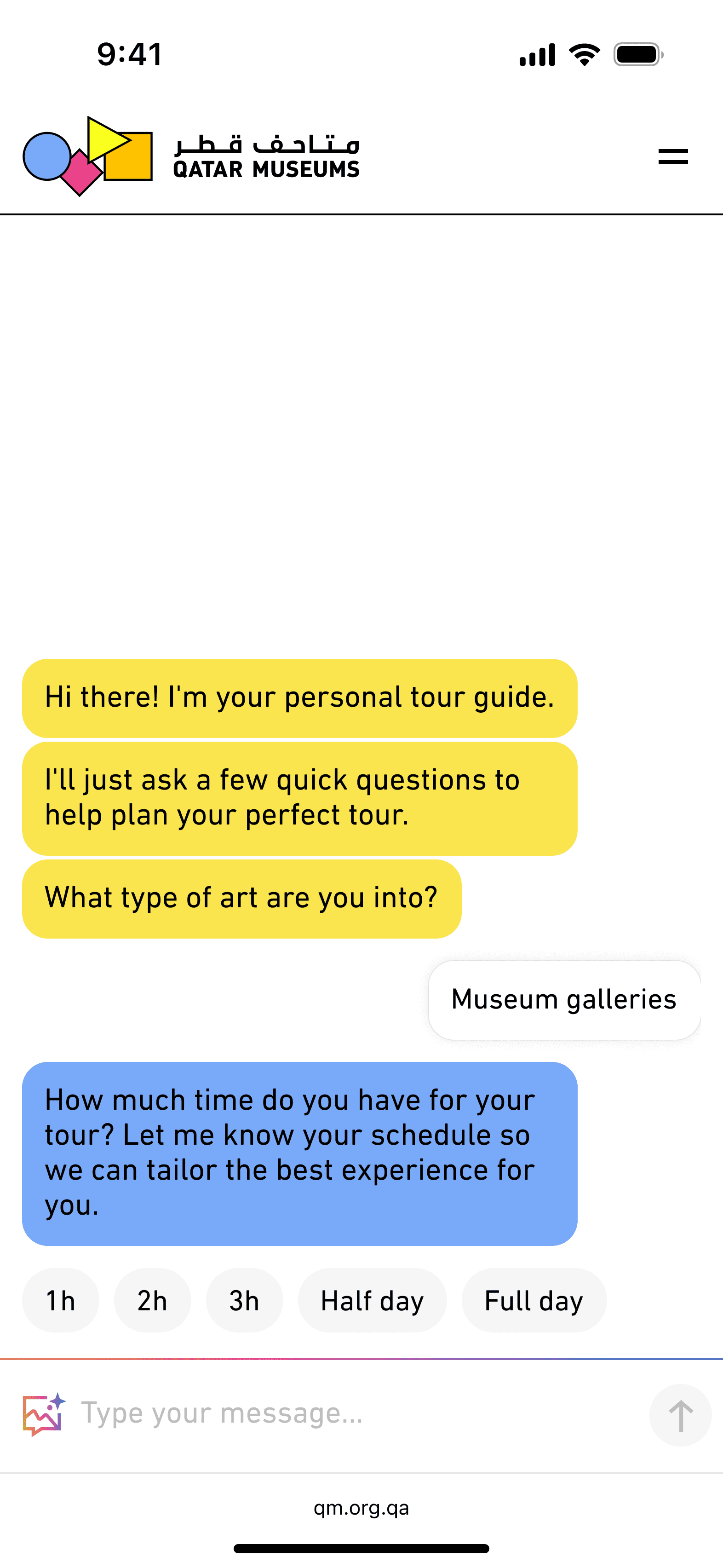
We stripped it back to two things: interests and time.
Interests became a set of selectable pills. Time became a set of options: half day, full day, three hours. No manual input required.
From those two answers, the AI generates a full personalised tour. The chat continues if the user wants to go deeper, they can keep answering questions or add specifics, but they don't have to. One screen, two choices, one button: generate tour.
If the user wants to set a start and end point, they're asked after. If they don't, they skip it. Simple, optional, fast.
The Map | An Idea That Became the Homepage
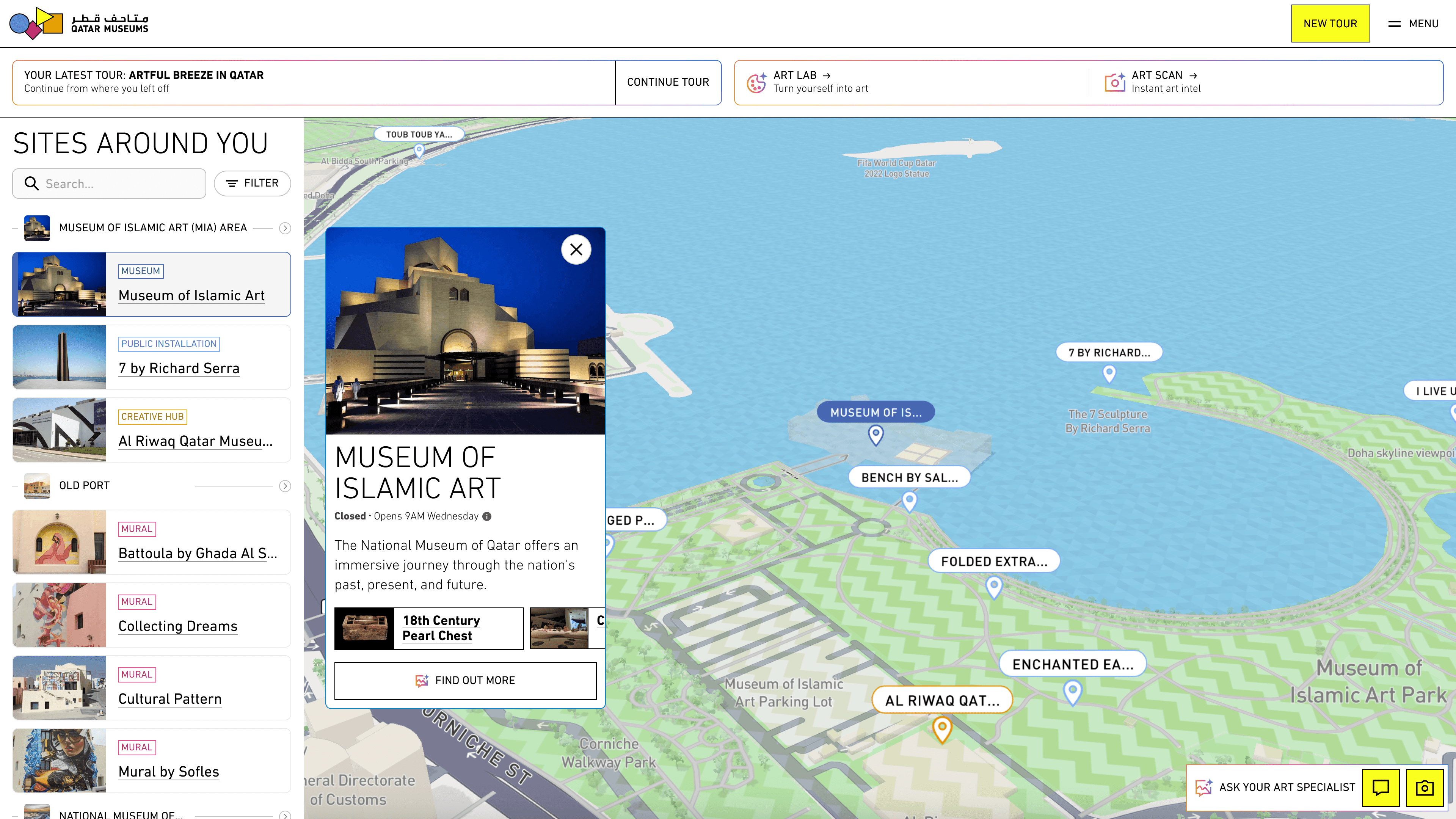
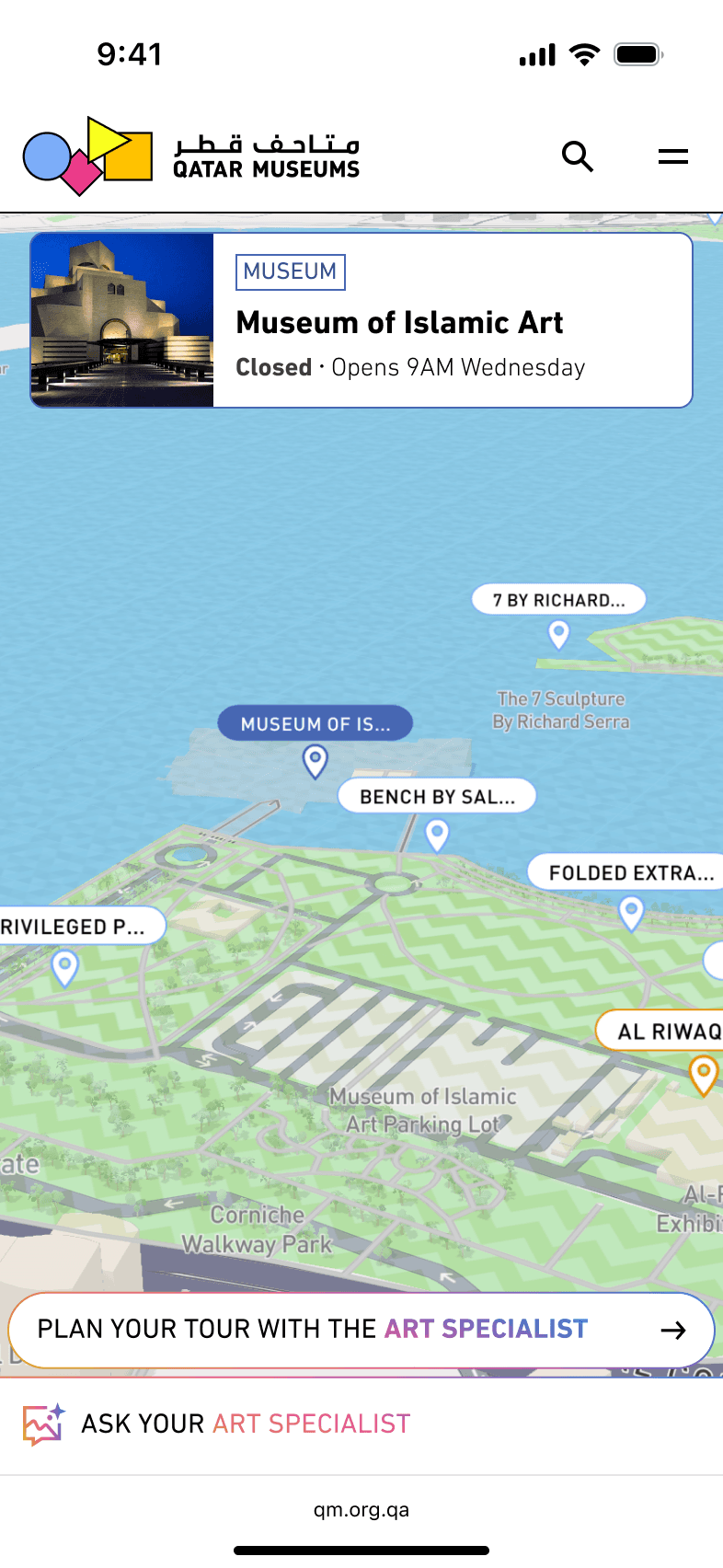
From List to Map.
When I joined, the landing page was the tour page. It worked, technically. But a list of locations for people who are physically moving around a city isn't really a landing page.
I proposed replacing it with an interactive map, with every exhibit pinned by location, the user's current position shown in real time, and the ability to start a tour, explore nearby exhibits, or filter by type, all from the same screen.
The client liked it immediately. It became the centre of the product.
On desktop, the map takes the full screen with a scrollable sidebar listing all sites and exhibits. The experience scales, but the logic stays the same.
The Tour Page | The Heart of the Product
Everything the User Needs, Organised by Where They Are
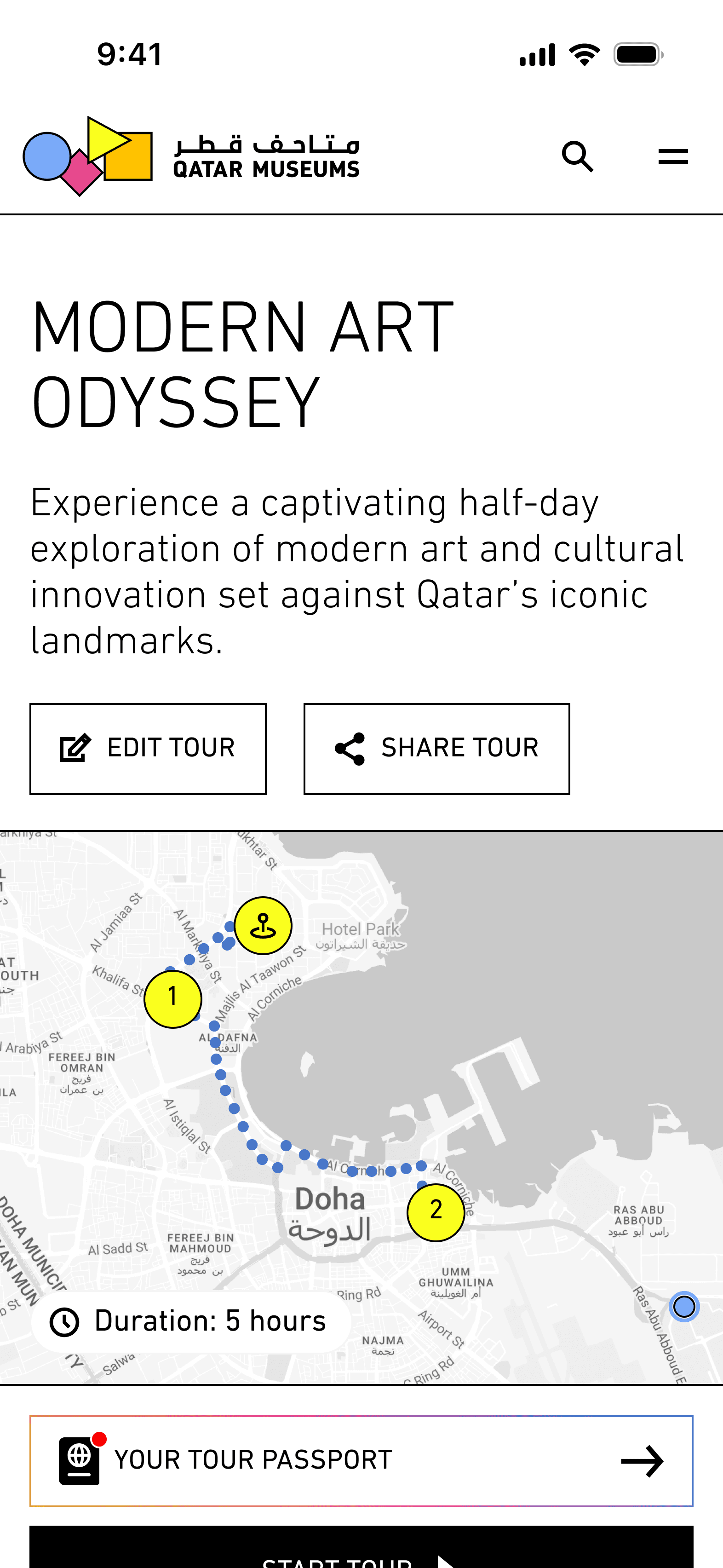
Once a tour is generated, the tour page becomes the user's home for the rest of their visit.
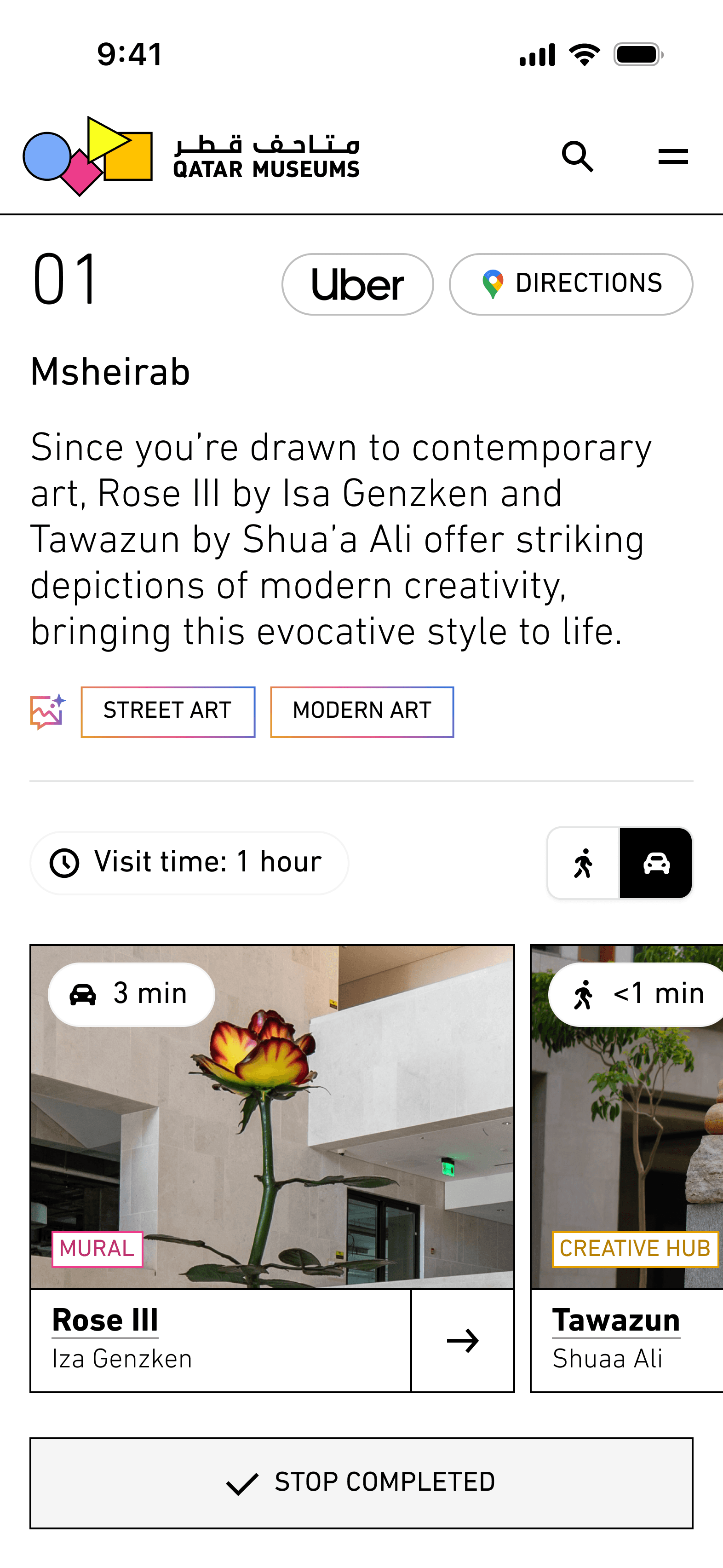
Later, we added the ability to edit the tour, reordering stops, replacing sites, adding new ones between existing stops, and re-optimising the route. Users could also share a tour via a generated link, with no login required.
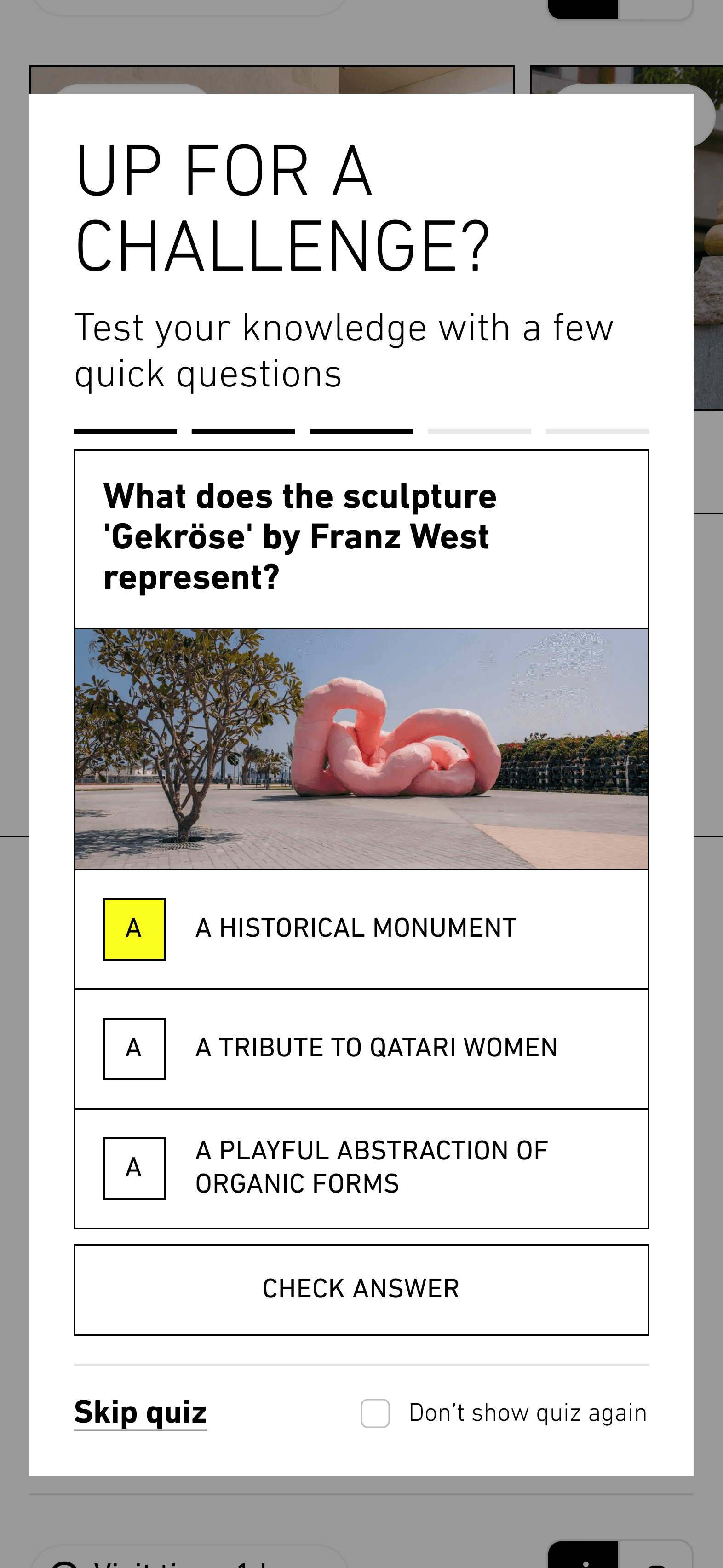
At the end of each site, users complete a short quiz: four or five questions with an image of an exhibit and multiple choice answers. Skipping is always an option, and "don't show again" is remembered. At the end, a score summary shows how they're doing across their whole tour.
The Exhibit Page — Where the AI Becomes Useful
A Page That Knows Who You Are
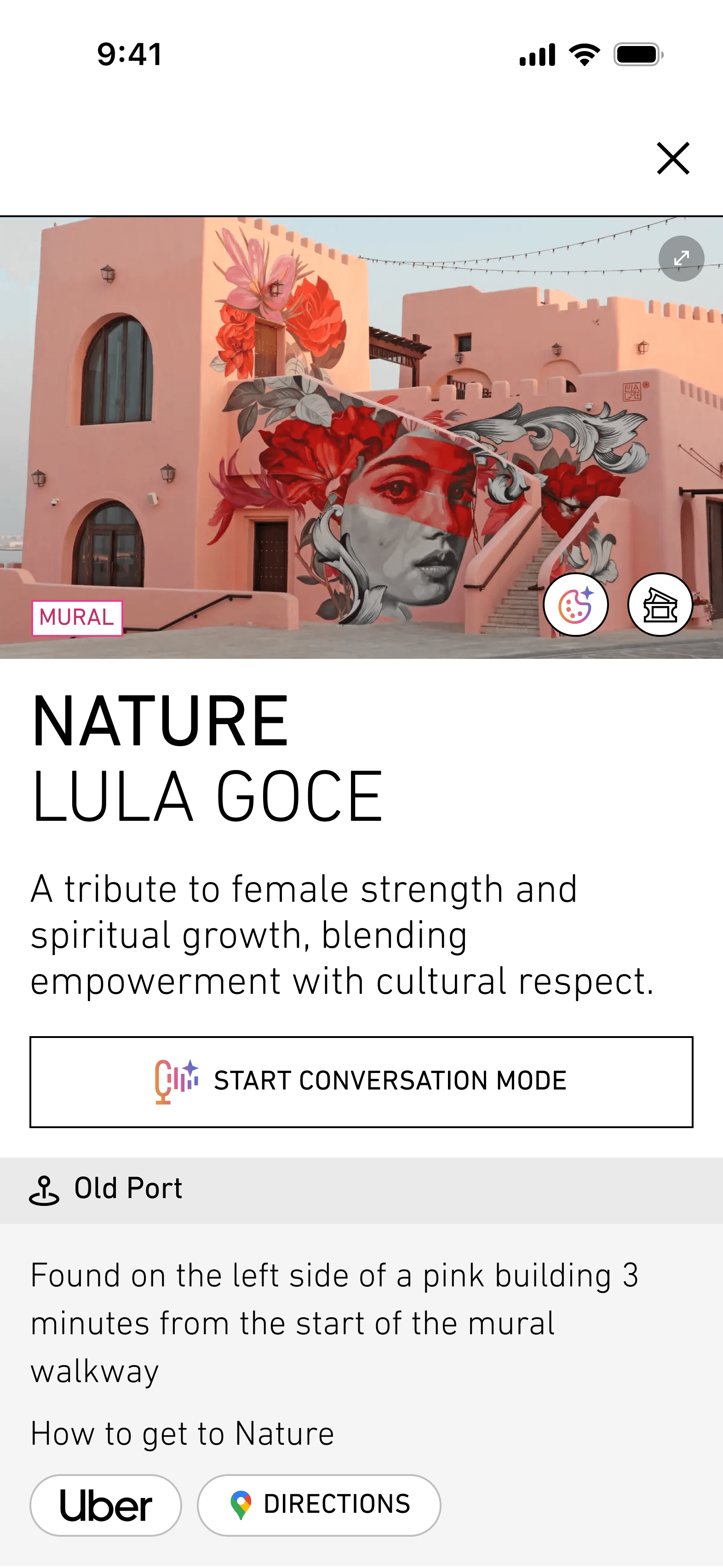
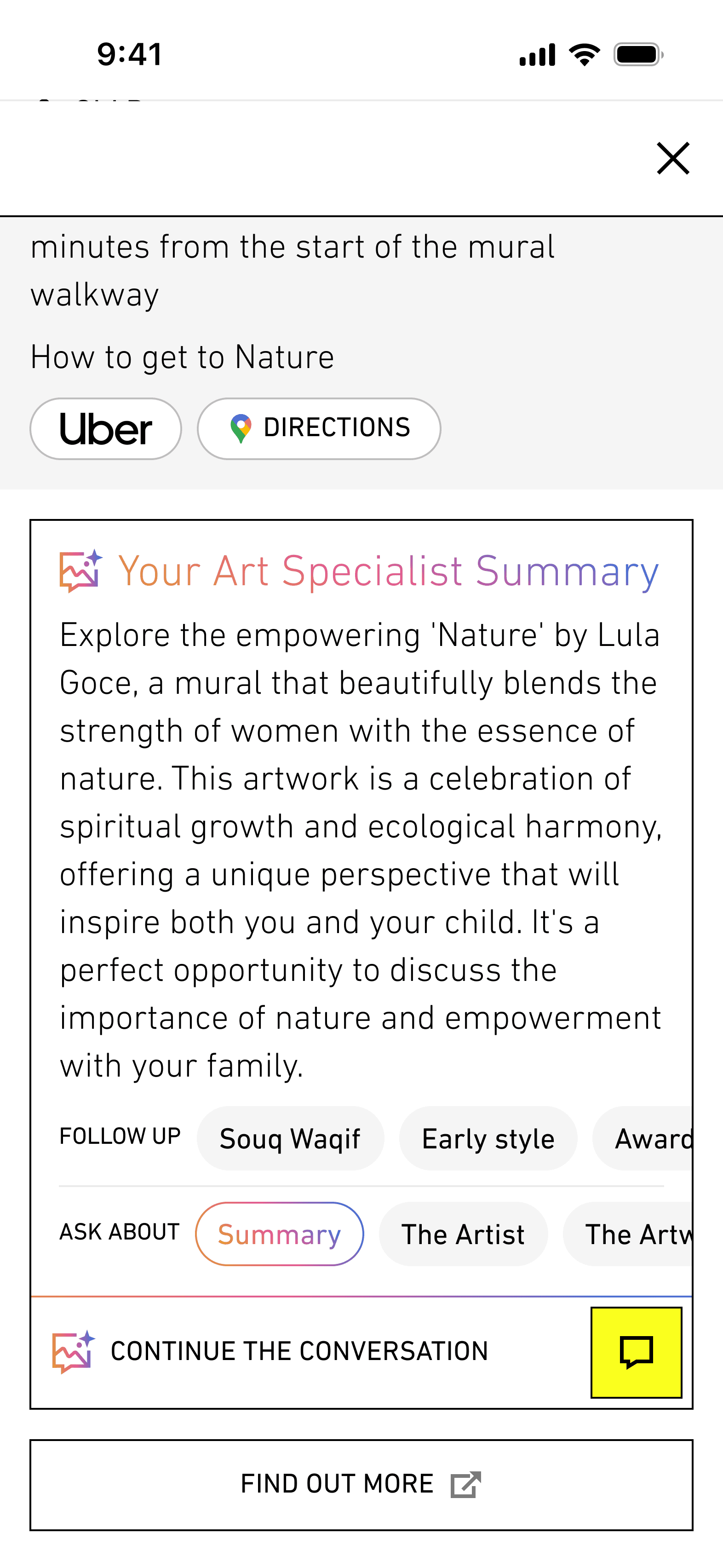
Every exhibit has a page. And every page is personalised.
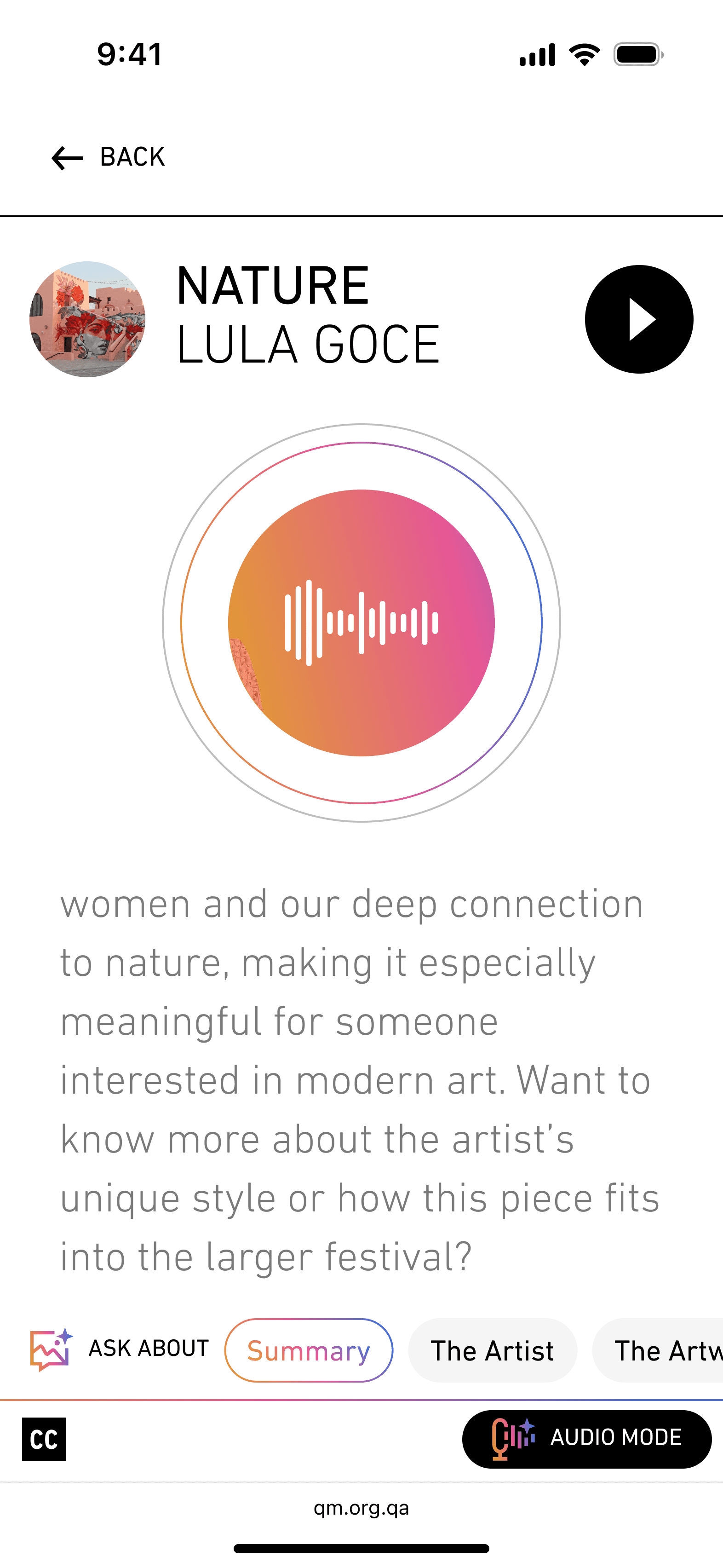
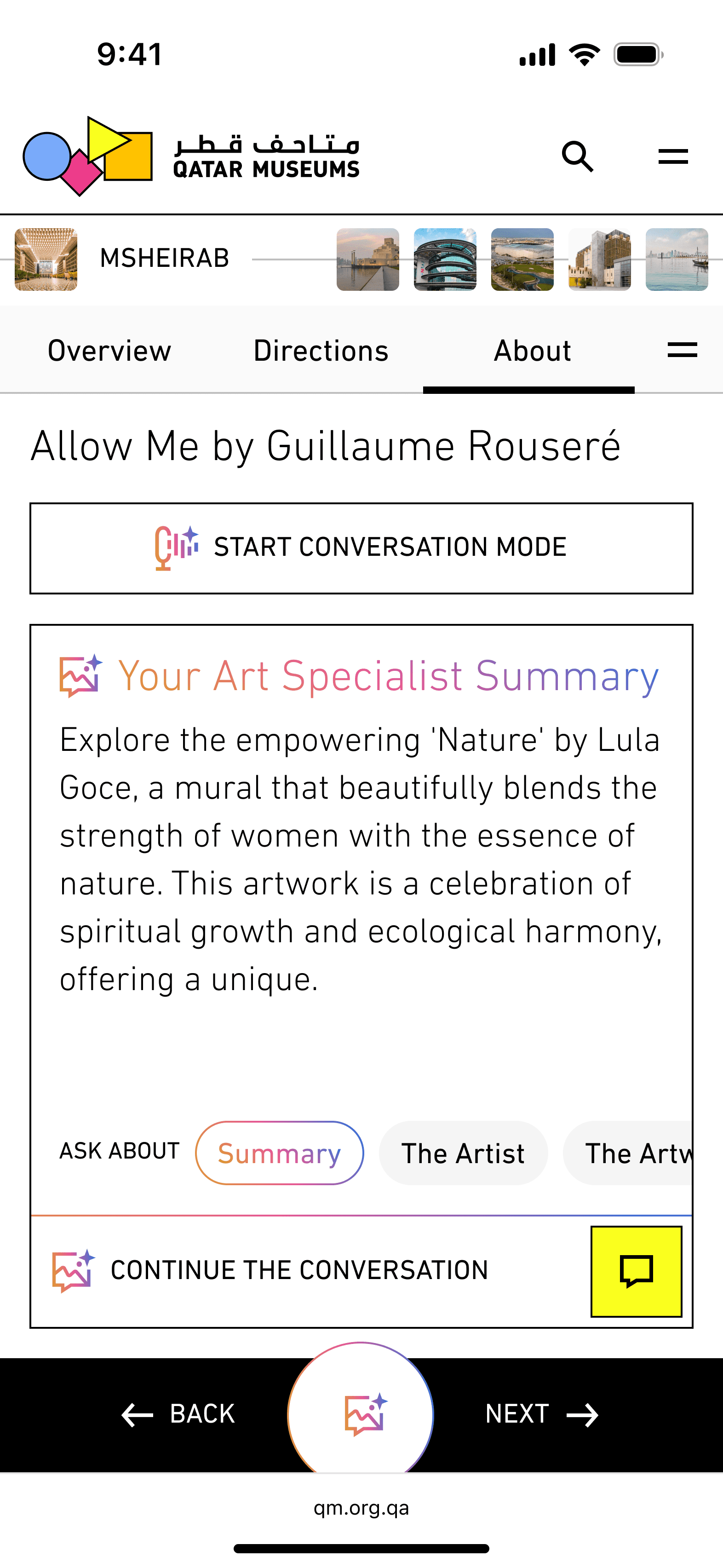
The AI Art Specialist Summary is generated as the user lands, typing itself in, visibly, in real time. If the user said they're travelling with young children, the summary reflects that. If they're solo, the tone shifts. It's the same exhibit, but a different experience for every visitor.
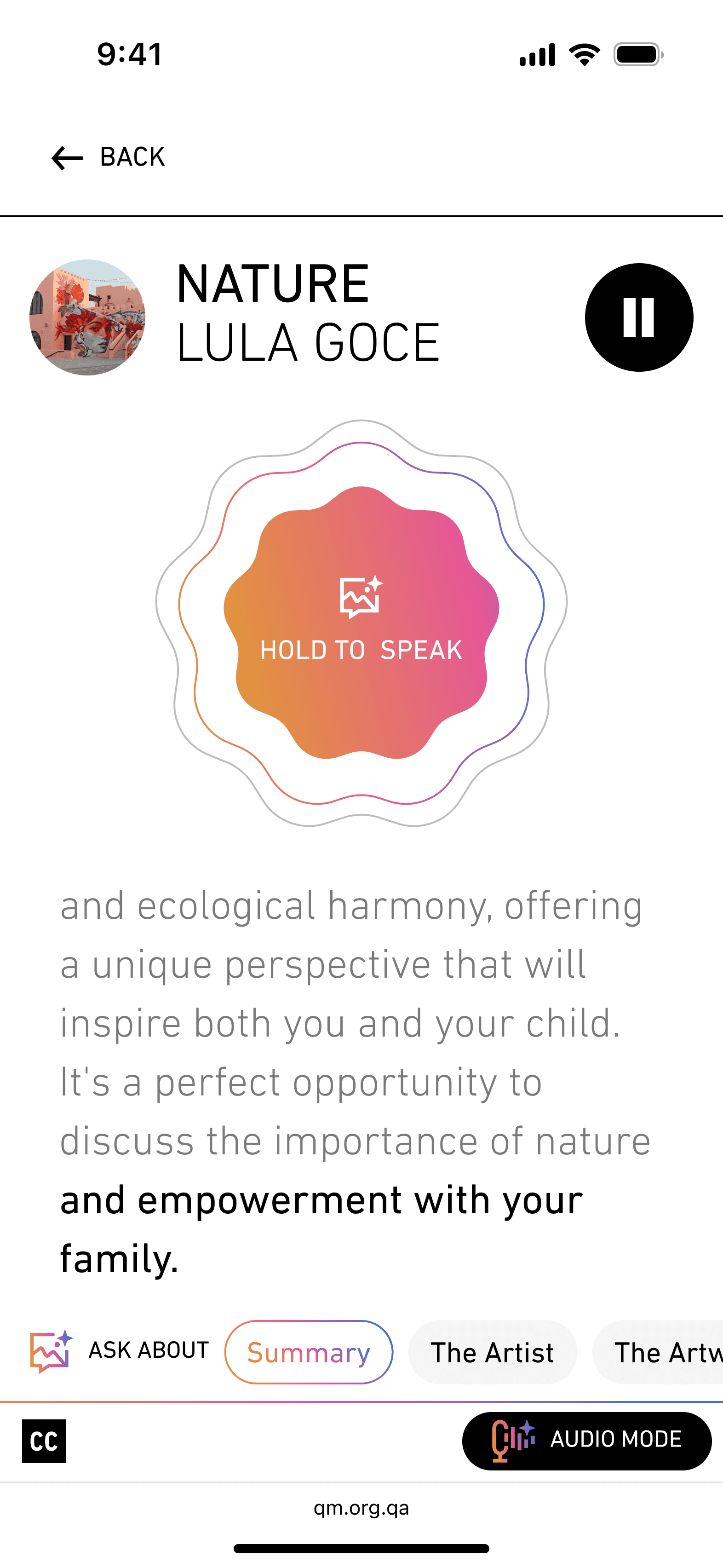
Audio mode lets the user speak with the AI and hear its responses read aloud, with subtitles visible for those who want to read while listening. It was designed specifically for the exhibit page, for someone standing in front of an installation who doesn't want to look at their phone.
Step-by-Step Tour Mode | The Feature the Client Loved Most
Press Start. Then Just Press Next.
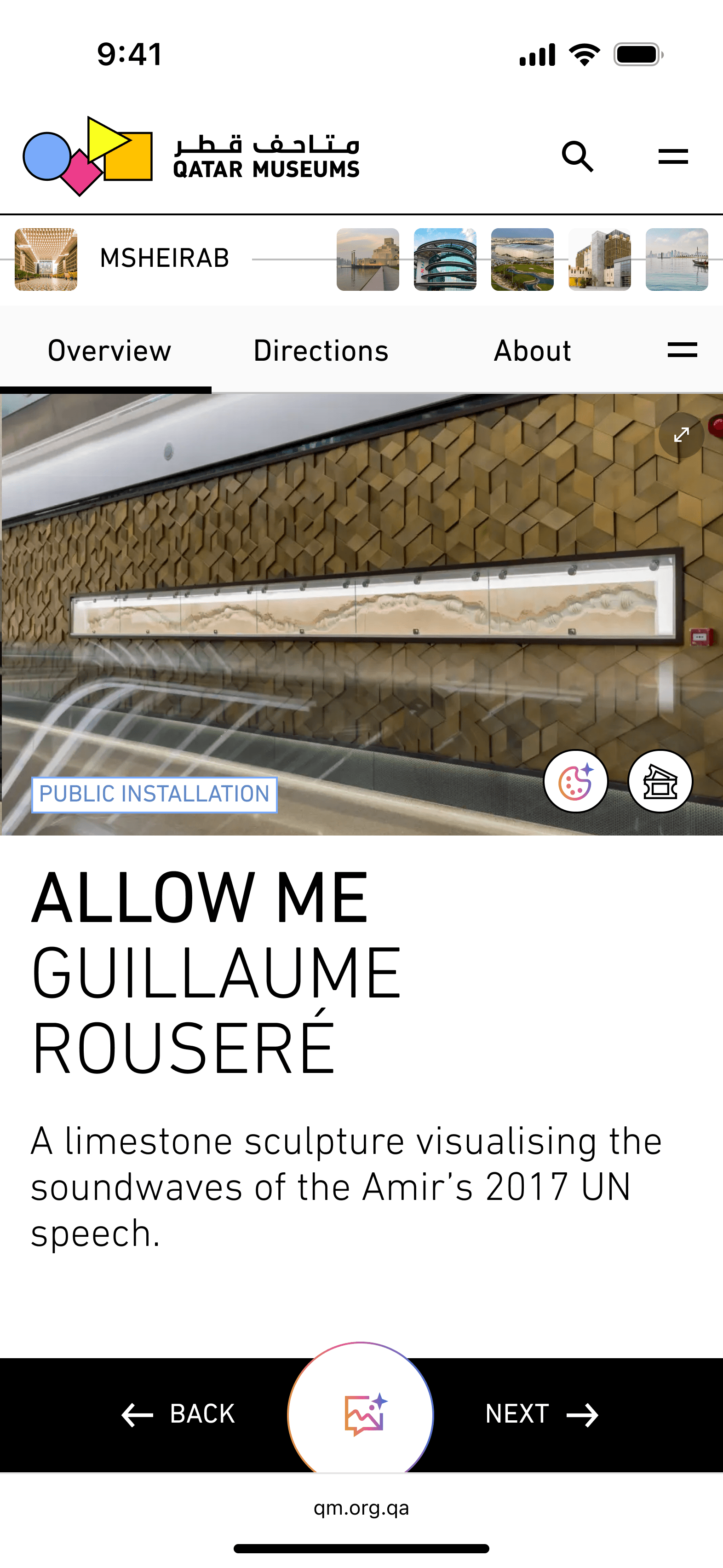
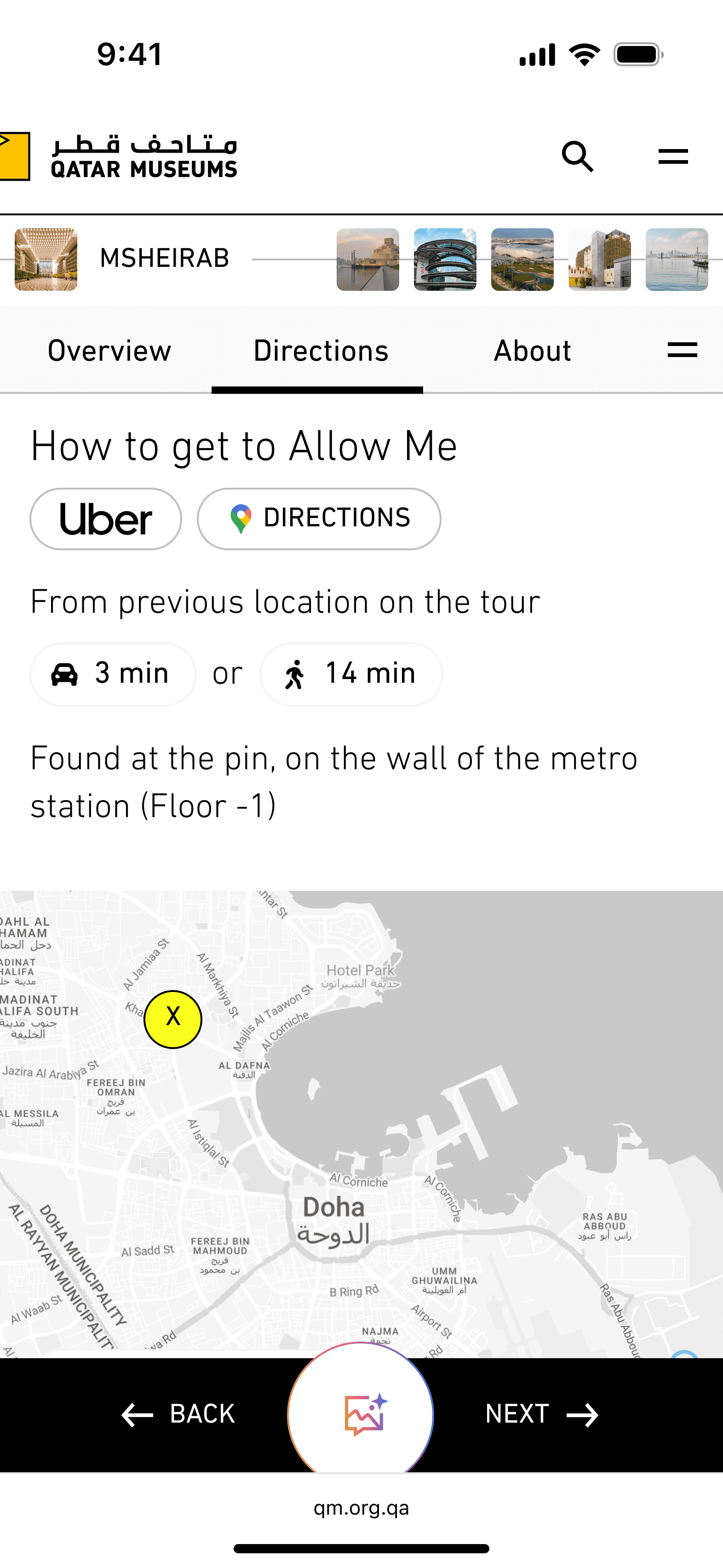
The tour page contains a lot of information. For planning, that's useful. For being on the move, it's too much.
Step-by-step mode solves that.
The Art Lab | Creating With What You've Seen
A Studio Inside a Tour App
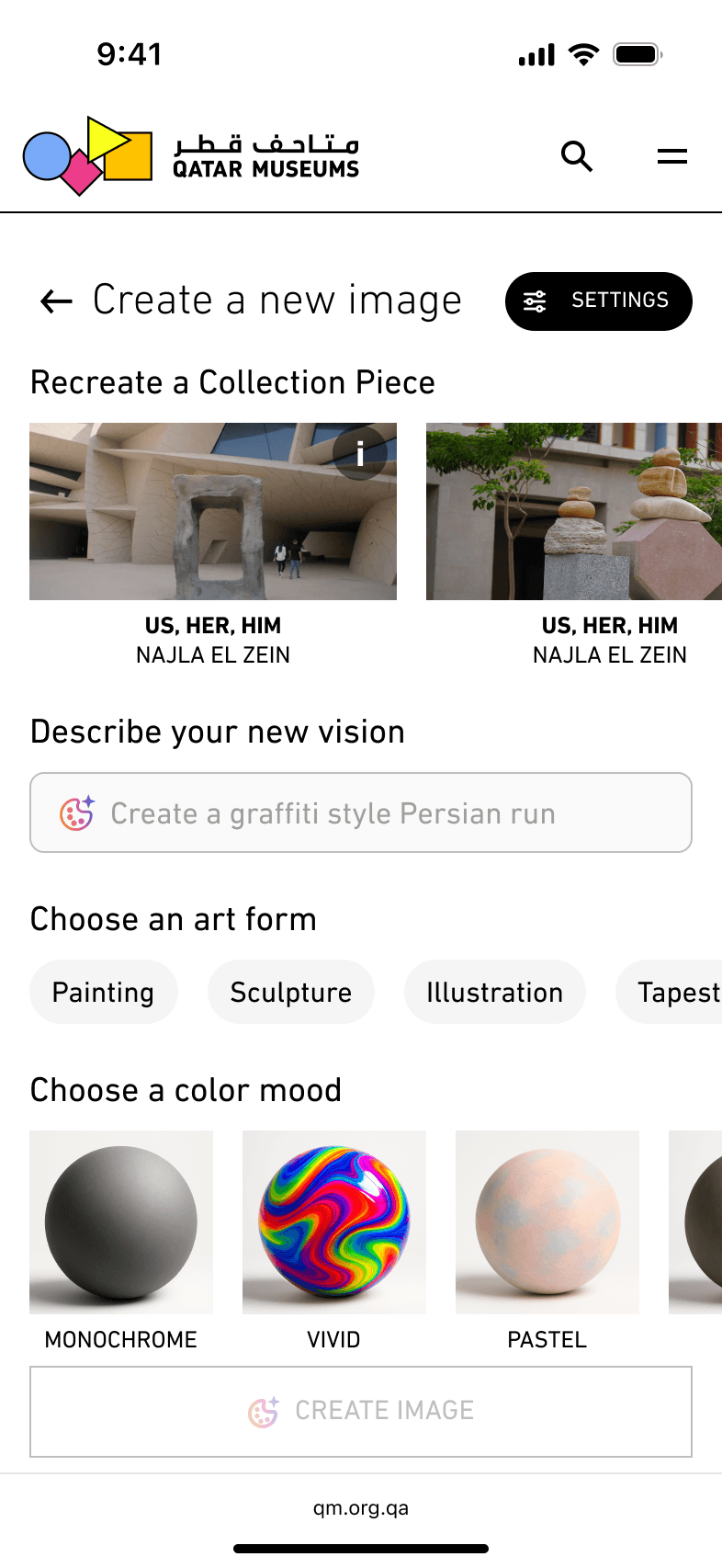
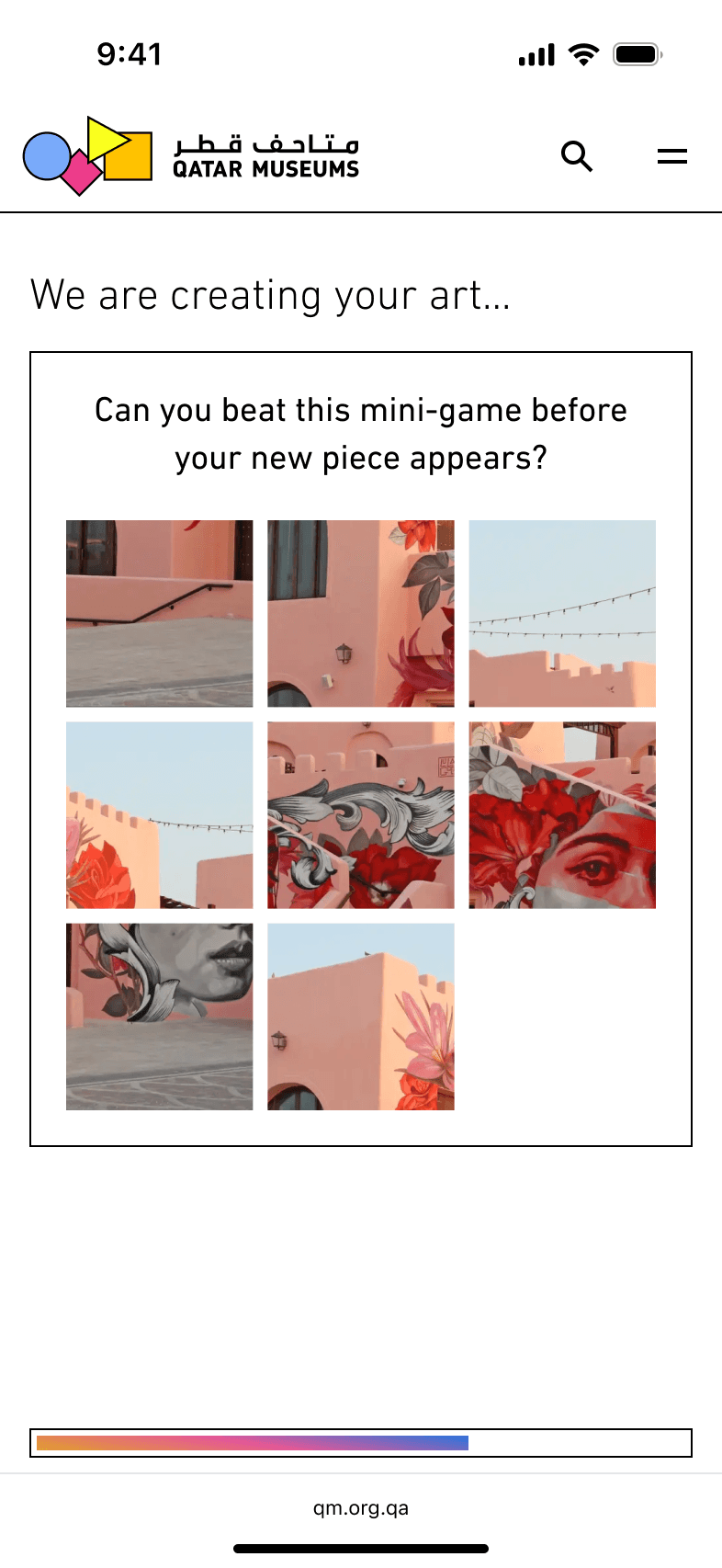
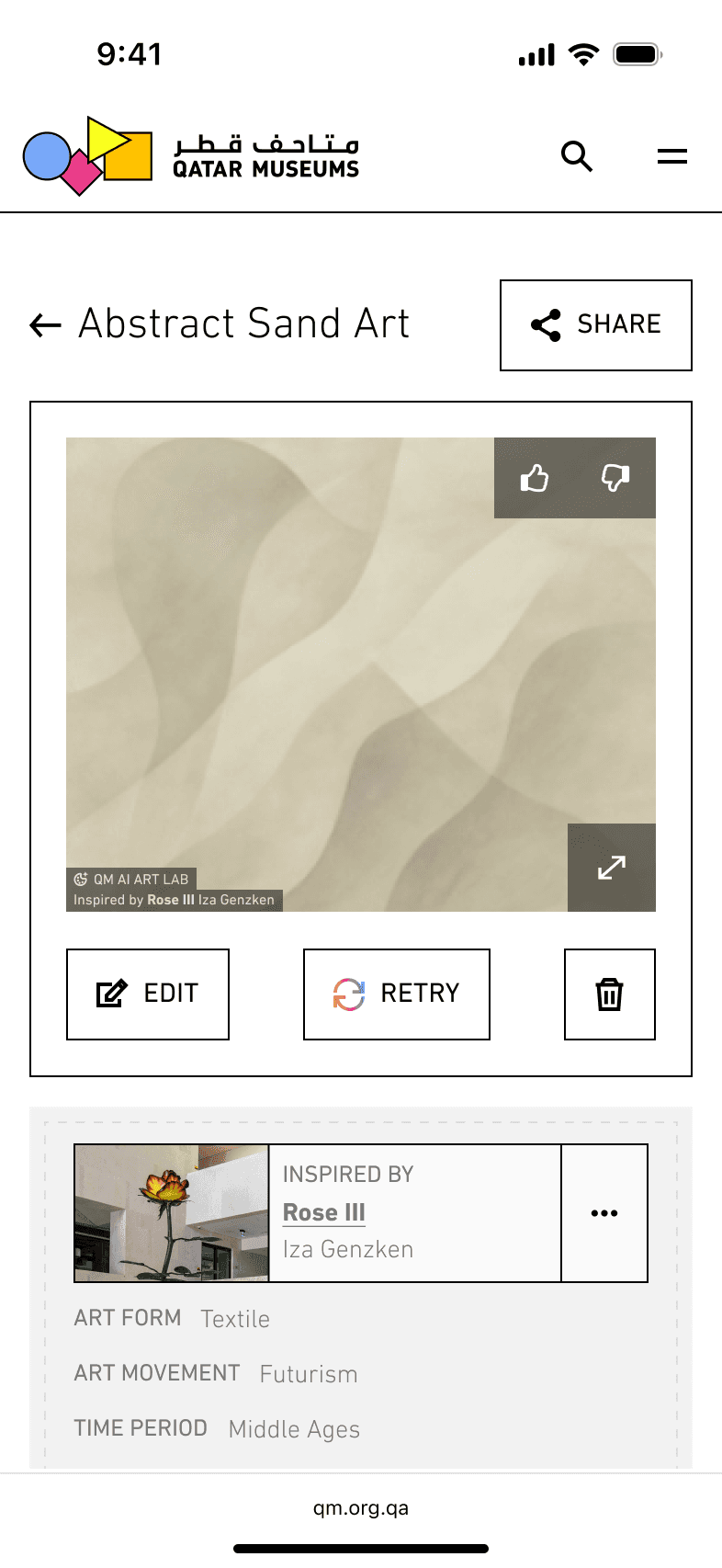
The Art Lab is the most unusual feature in the product. It has nothing to do with getting from one exhibit to another. It's a creative tool — a place where users can generate AI images inspired by the exhibits they've encountered, or any exhibit in the Qatar Museums collection.
BEYOND THE PRODUCT
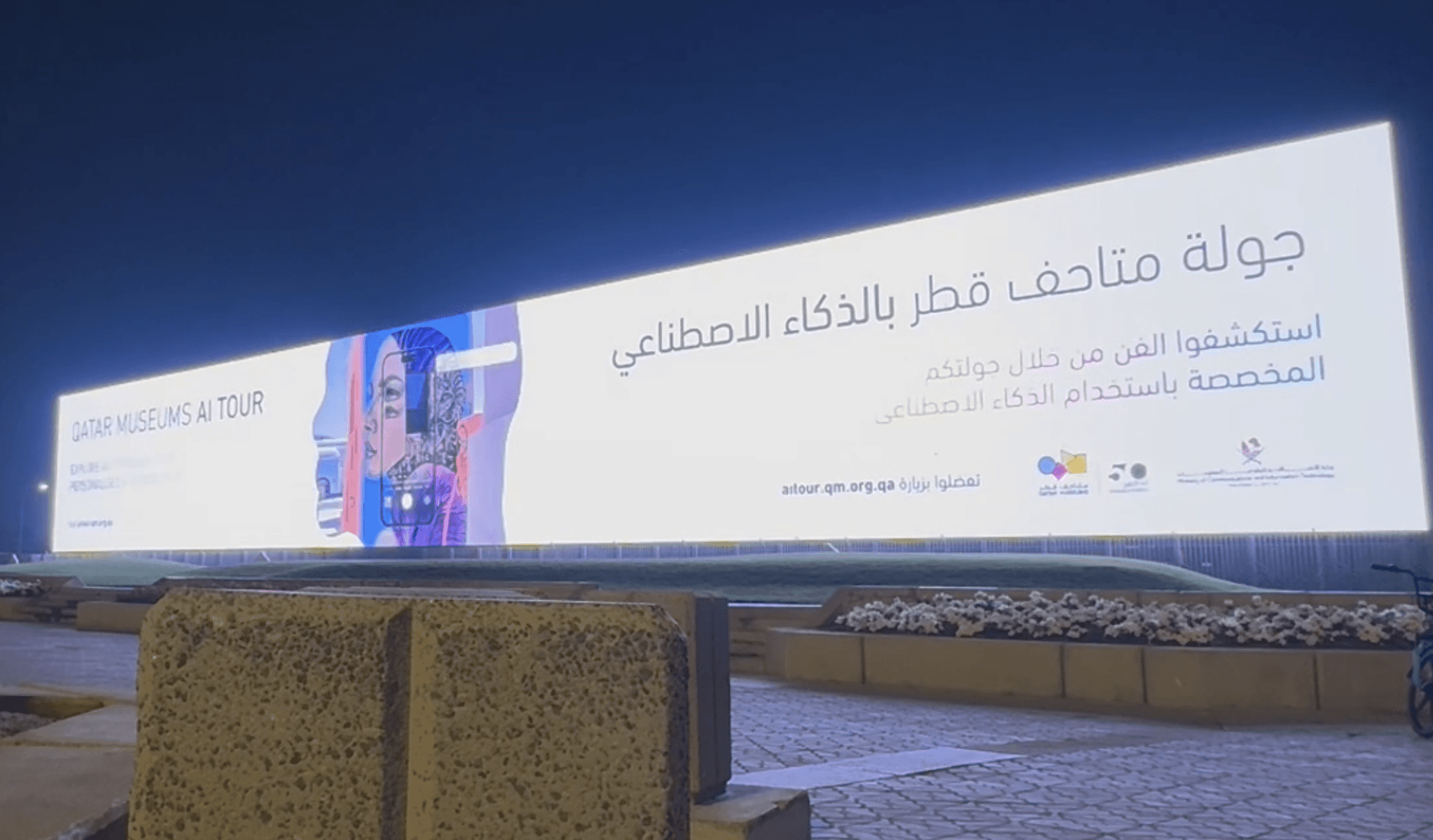
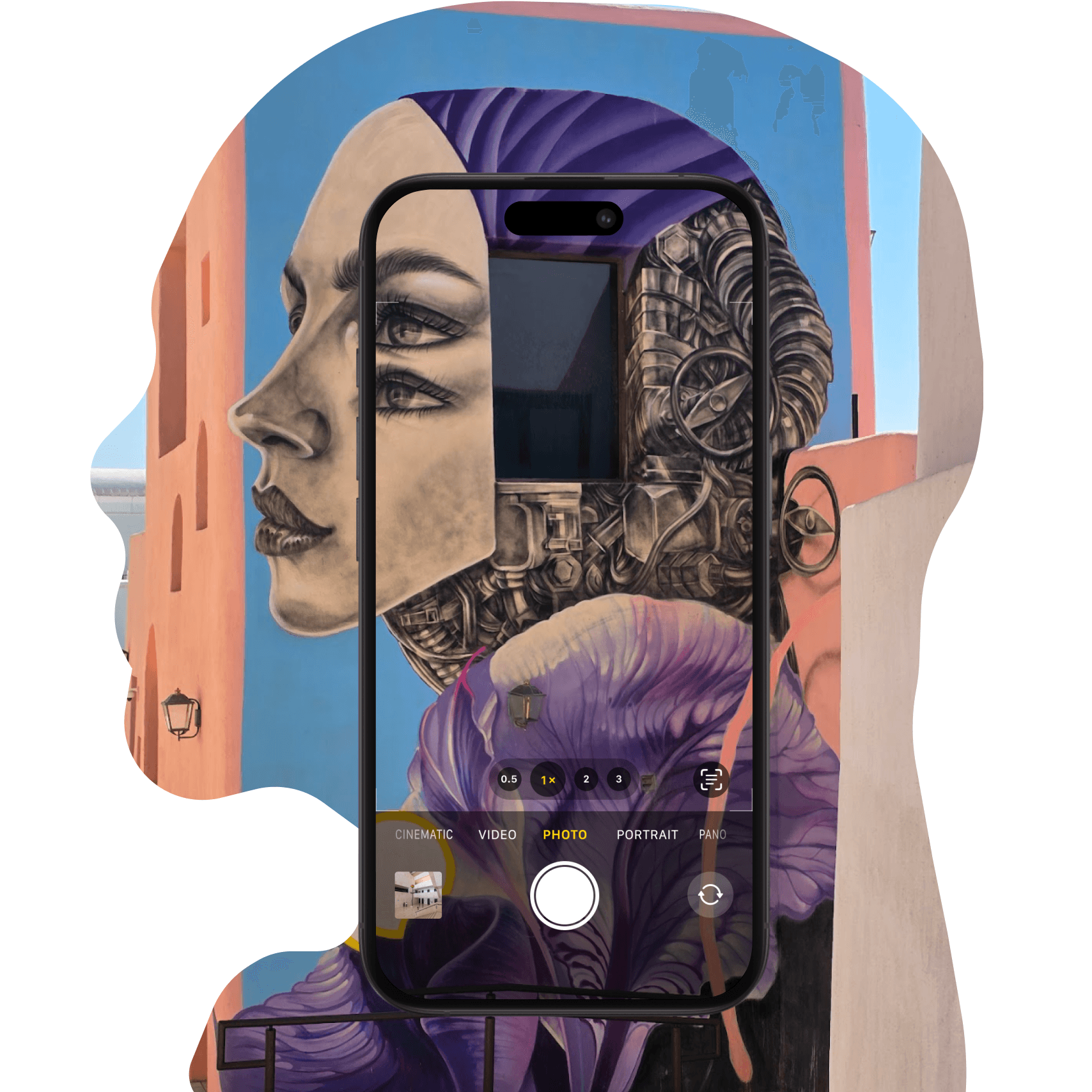
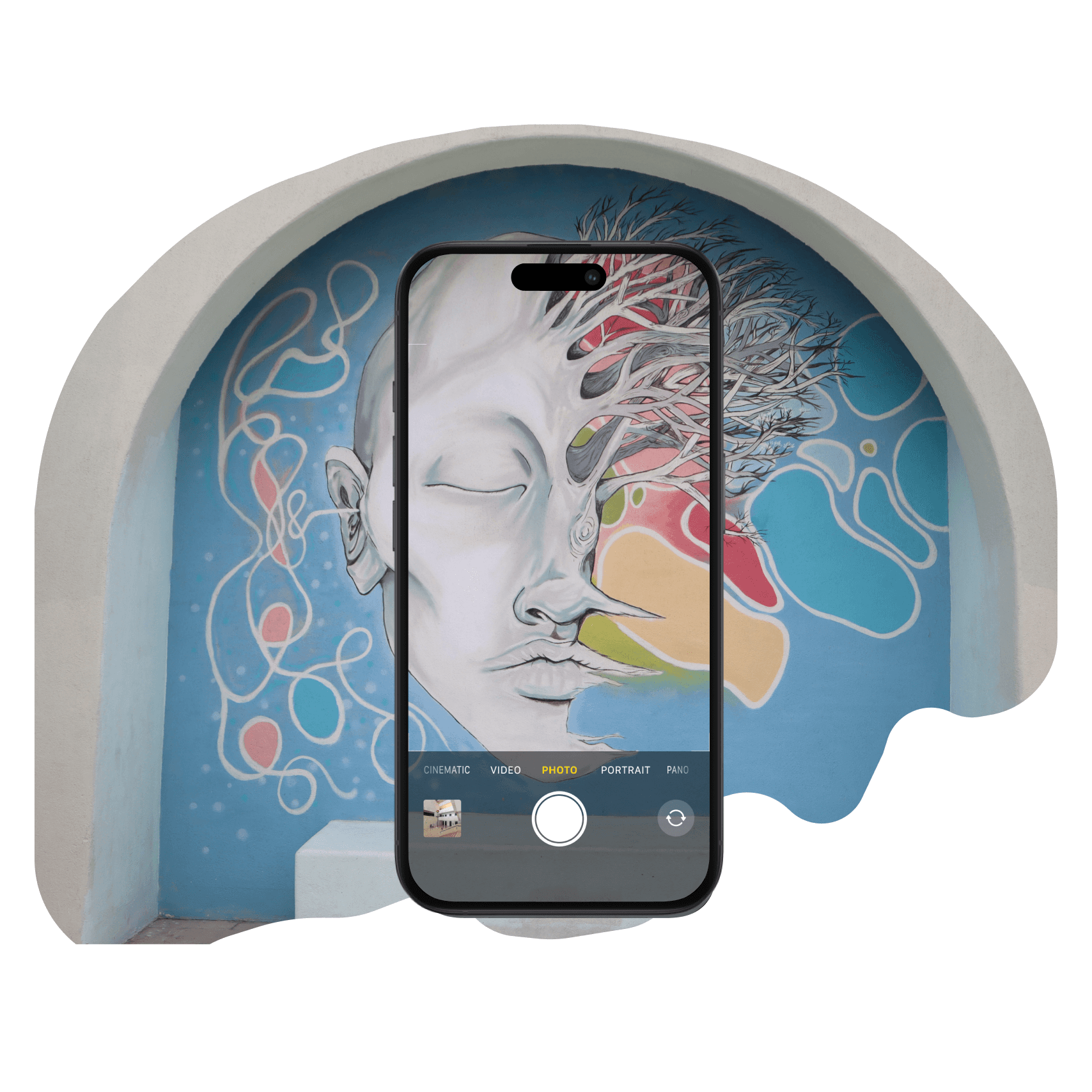
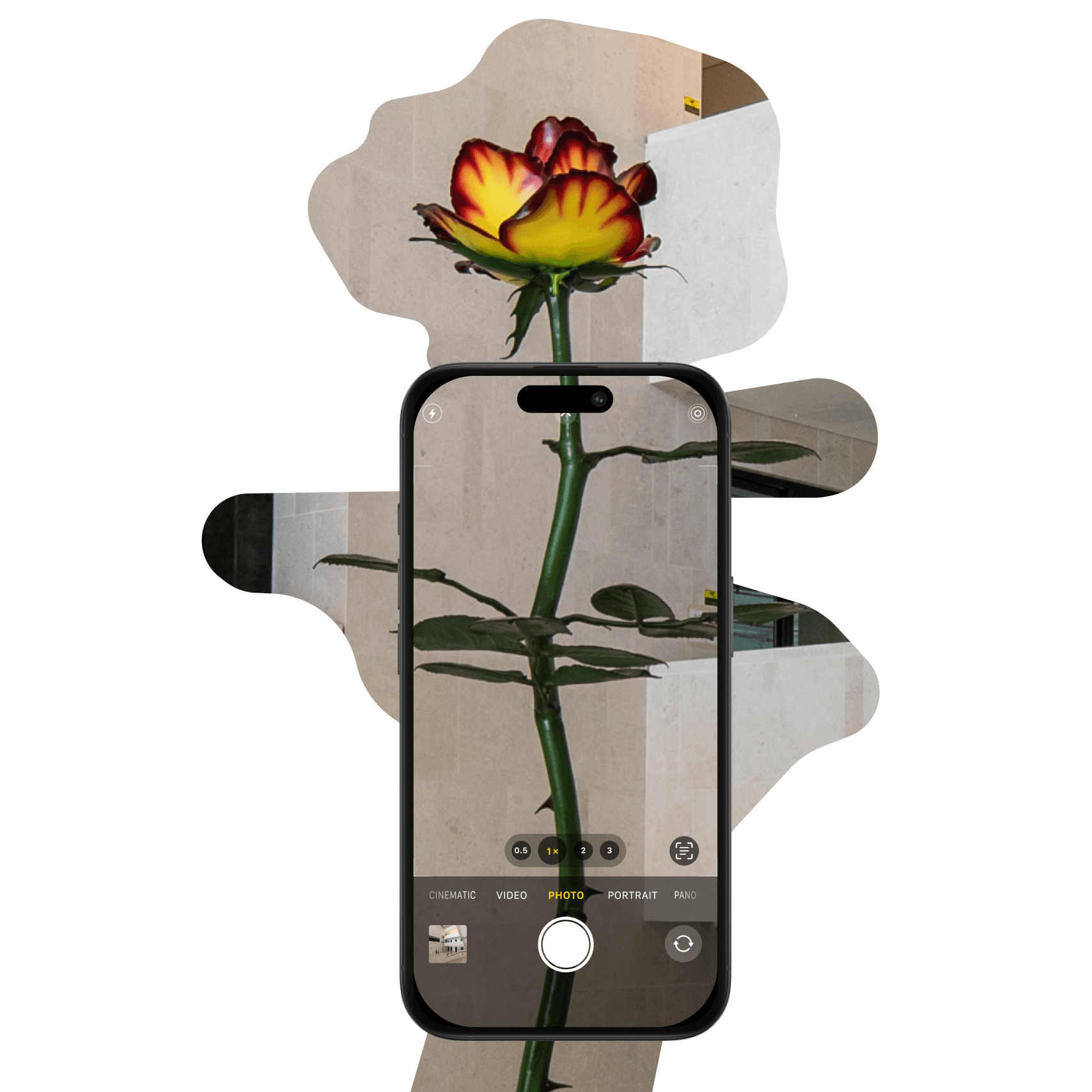
From Screen to Widescreen
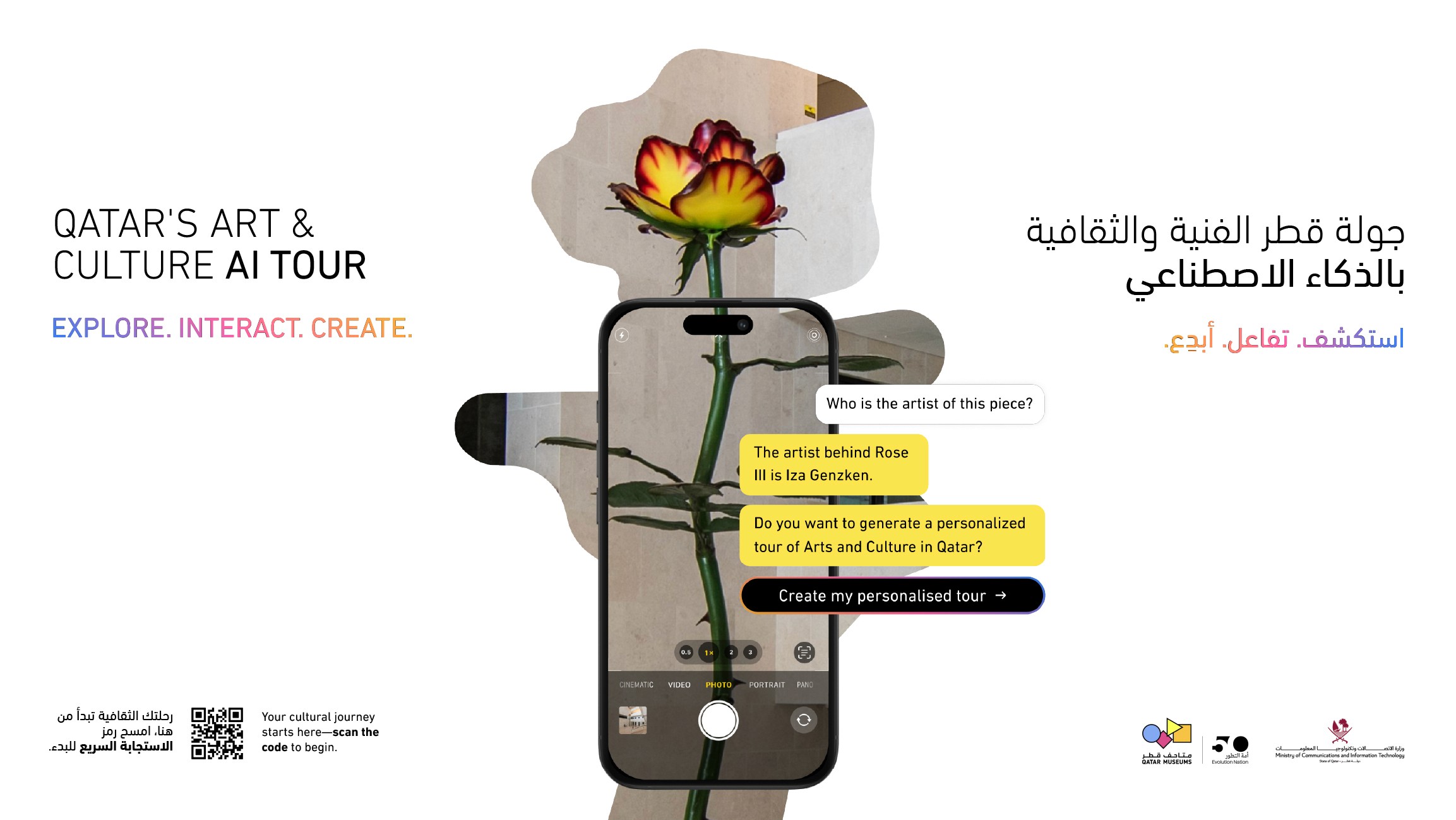
We worked on some promotional materials. The designs ended up on large-format screens across Doha and in the airport.
solution
The Platform
What started as a chat and a list of sites became a platform with eight distinct features, each designed around a single constraint: the user is outside, on the move, and doesn't have time to figure anything out.
The map grounds them. The chat plans for them. Step-by-step guides them. The Art Specialist tells them what they're looking at. Audio mode frees their eyes. The Art Lab gives them something to take away.
No login required. No account to create. Just open it and go.
OUTCOME
What It Became
The platform is live across Qatar's public art and cultural sites, serving 10k+ users a month in four languages.
It was recognised at the 2026 Webby Awards: Honoree for AI Consumer Application and twice a Nominee (Best Real-Time Engagement; Travel, Transportation & Hospitality), selected from more than 13,000 entries across 70+ countries.
Client feedback from Qatar Museums and the Qatar government was exceptional, and the engagement has continued to grow since launch.
10k
users/
month
4
languages
8
major features
shipped
0
required
logins
The user is outside. Everything else follows from that.
Get in
touch
Linkedin ↗
Senior & Lead product design roles.
UK or remote.
Reach out if you'd like to know more.
hello@martinasartor.com